Pixel Art Tutorial - Paint & Color Tools in Photoshop
Learn how to make pixel art with Photoshop's paint tools: the pencil, color panel, eraser and paint bucket to draw and color pixel art.

Learn how to make pixel art with Photoshop's paint tools: the pencil, color panel, eraser and paint bucket to draw and color pixel art.
In this tutorial I cover the basics of measuring pixels and using grids in Photoshop. I touch on standard sizes for tiles and try to emphasis creating graphics at powers of 2.
Learn to use the Free Transform Warp tool in Photoshop to create slopes and ramps for 2D Platformers.
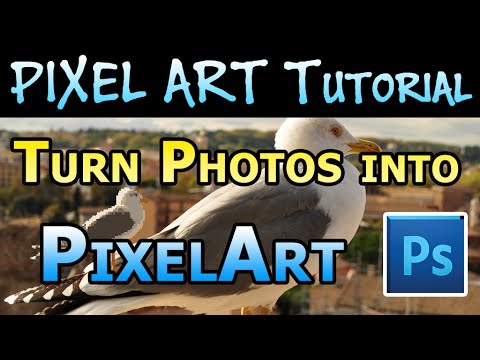
Another video on how to make pixel art! Learn to take photographs and convert them into pixel art following this tutorial.
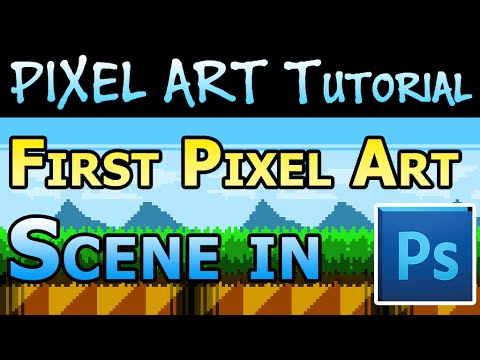
How to make pixel art tile sets in Photoshop. Watch the full playlist in order for best results.
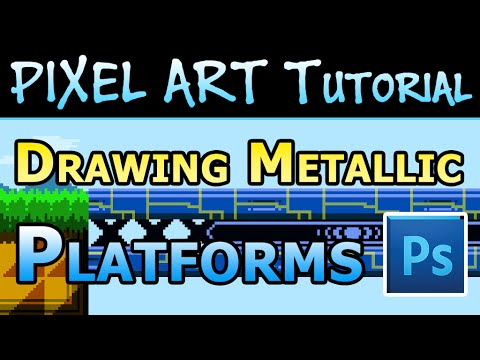
This week I'm covering how to make pixel art metallic floor tiles that would work well for a 2D platformer.
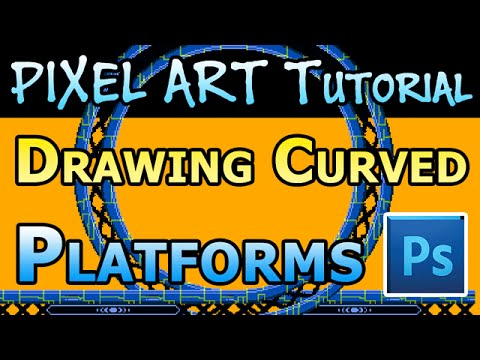
Another video on how to make pixel art! Learn to make curved metal tracks for platform games in Photoshop. Imagine your player sprite running through Sonic-style loop-de-loops!
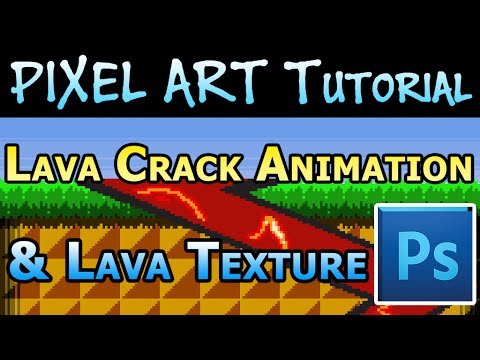
Learn to animate a crack sprite that can be applied over foreground tiles for 2D platformers. Paired with a lava texture it makes for a great effect.
How to make pixel art city buildings that will work great in the background of your 2D Platformers.
Learn to use a few Photoshop tools to make pixel art clouds automatically. No artistic skill required!